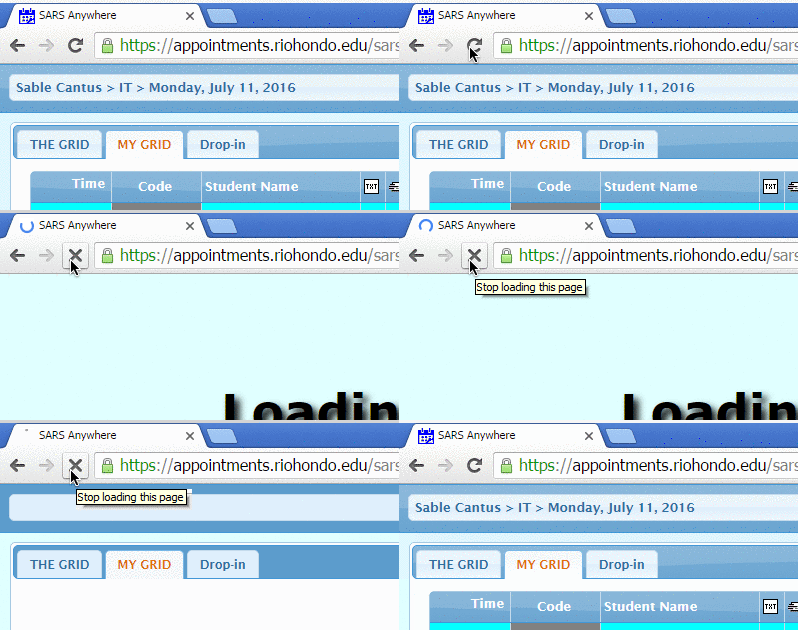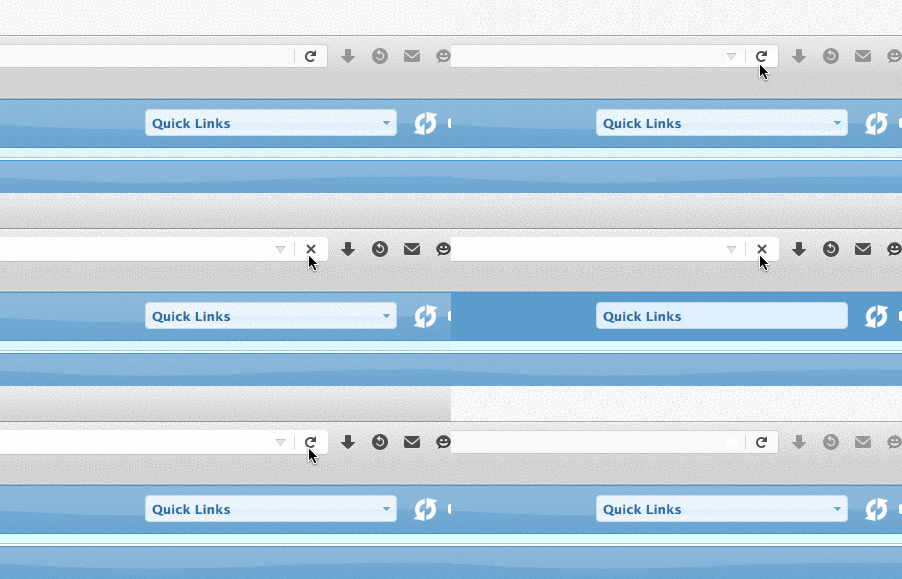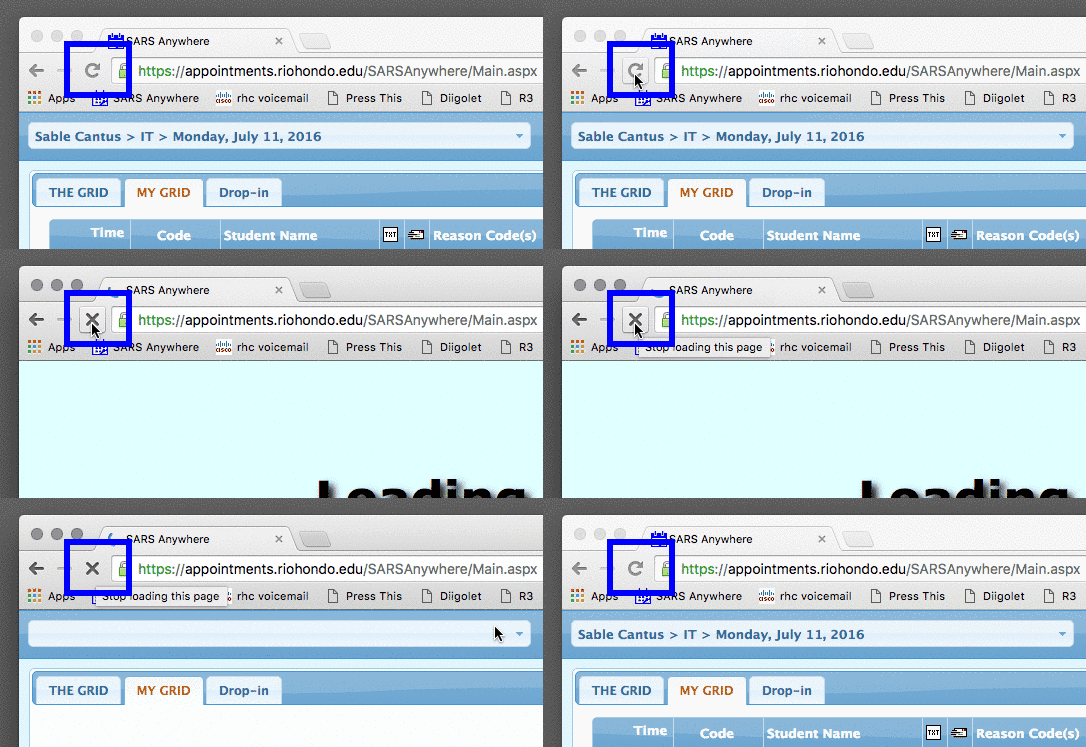
In Firefox or Google Chrome, press the circular arrow icon to reload the page. Hold the shift key and press the reload icon to force the browser to load all new content from the server.

Tip – Windows users can press F5 on the keyboard to reload in any browser.

Reload Windows – Firefox
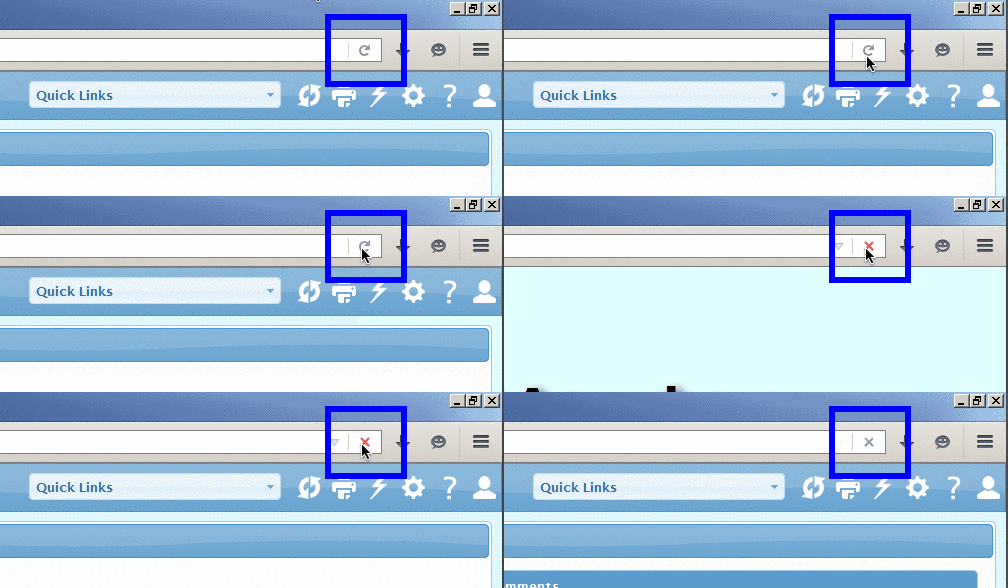
A web browser window with the refresh button highlighted in blue in the upper right corner of the address bar.

Reload Windows – Chrome

Screenshot of a web browser showing the "SARS Anywhere" scheduling page for IT appointments set for Monday, July 11, 2016, with options for "THE GRID," "MY GRID," and "Drop-in.

Reload Mac – Firefox

Partial screenshot of a web browser showing the address bar, navigation icons, and a dropdown menu labeled "Quick Links" on a blue webpage background.

Reload Mac – Chrome

A web browser window displays the URL "https://appointments.riohondo.edu/SARSAnywhere/Main.aspx" with the reload button highlighted in blue.