

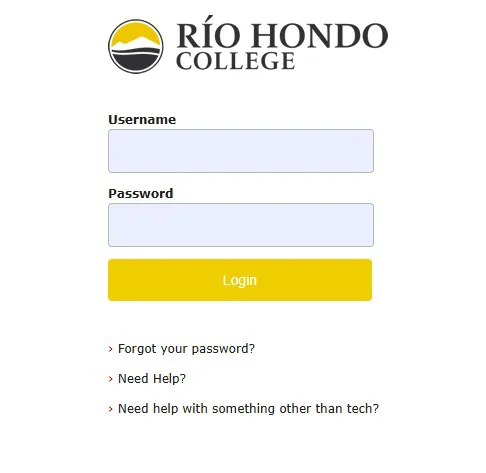
Steps to Get Into Your Canvas Course
- Please go to https://riohondo.instructure.com/
- Enter your login information
- Your Username/Passsword is your AccessRío Username/Password
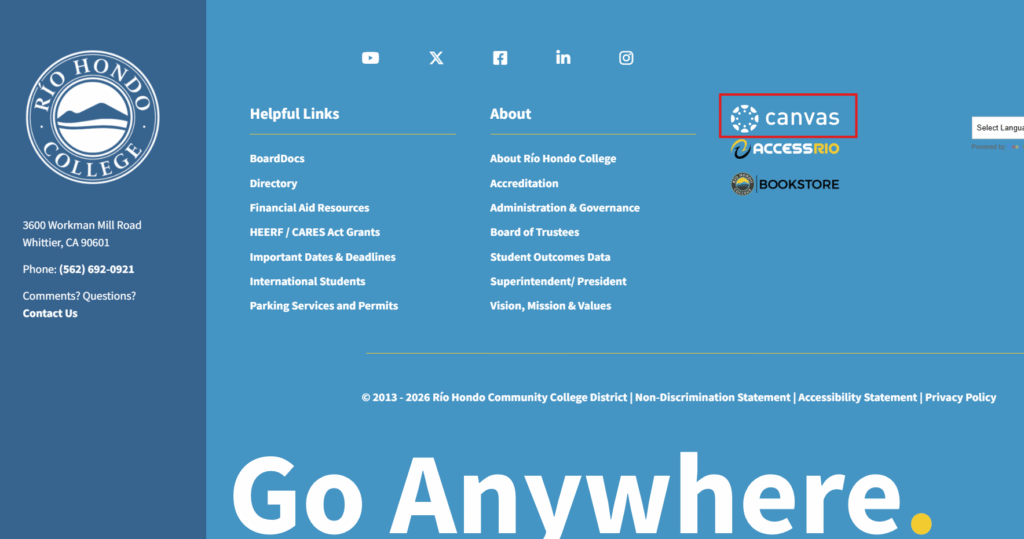
- You can also access Canvas by clicking on the link in the Quick Links dropdown menu or by clicking on the Canvas logo in the footer of the Río Hondo College website.

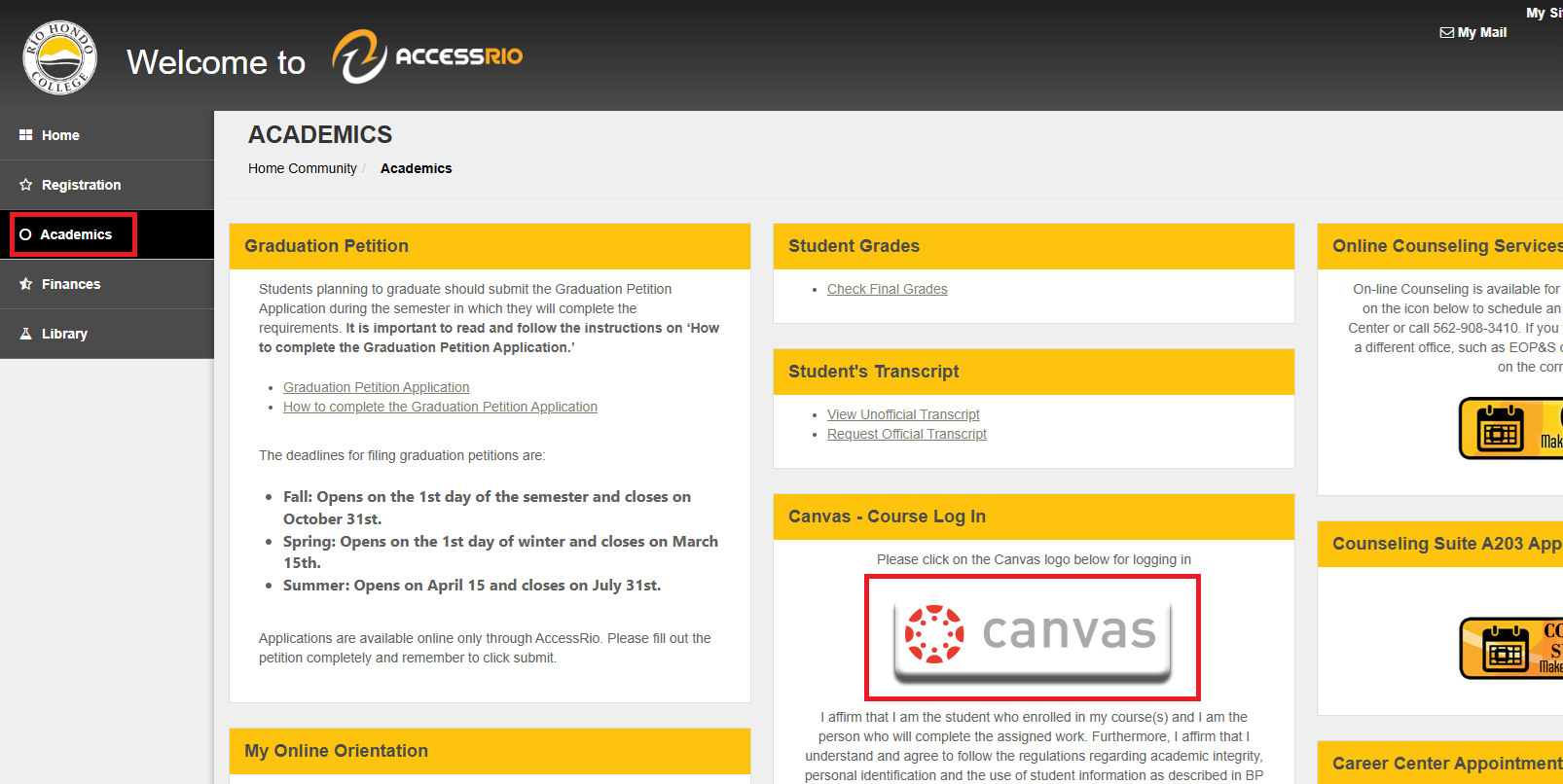
- You can also access Canvas by clicking the banner in the “Academics” tab of your AccessRío account.