

Steps to Get Into Your Canvas Course
- Please go to https://riohondo.instructure.com/ (see below for other methods).
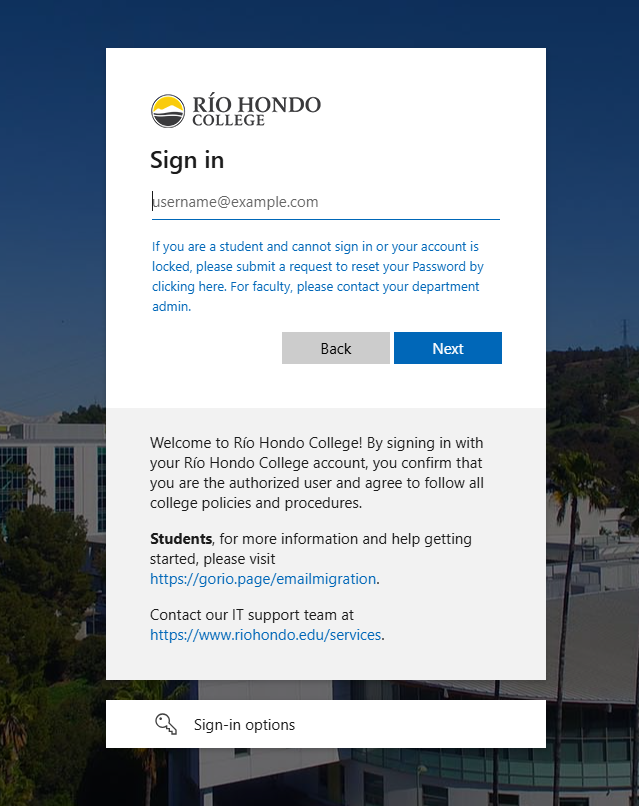
- Your email and password are the same credentials you use to log in to AccessRío and Outlook.
- If you are having issues with logging in or with multi-factor authentication, please contact your department admin staff and ask them to submit a ticket to the IT Helpdesk on your behalf.
- For other questions regarding Canvas, please review our Canvas FAQ page.
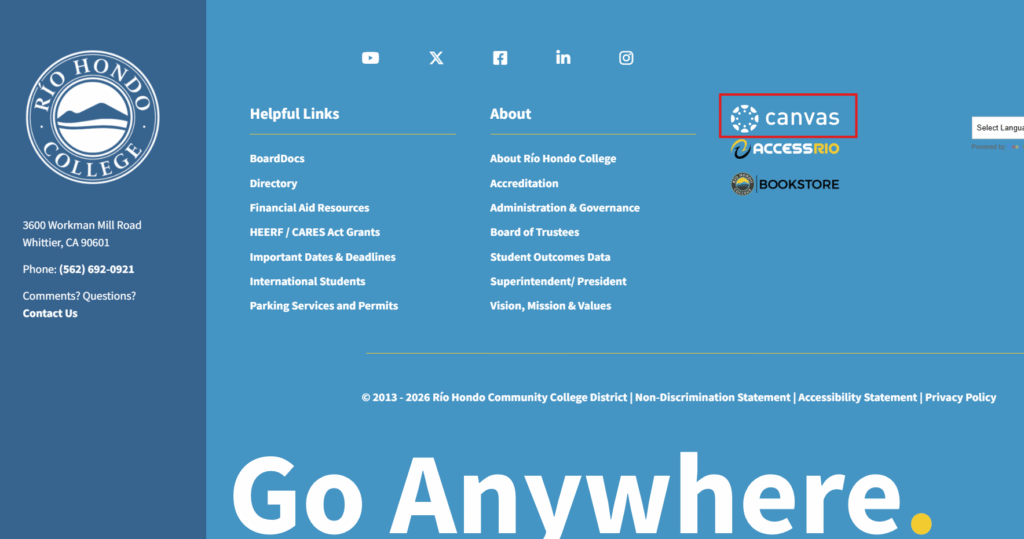
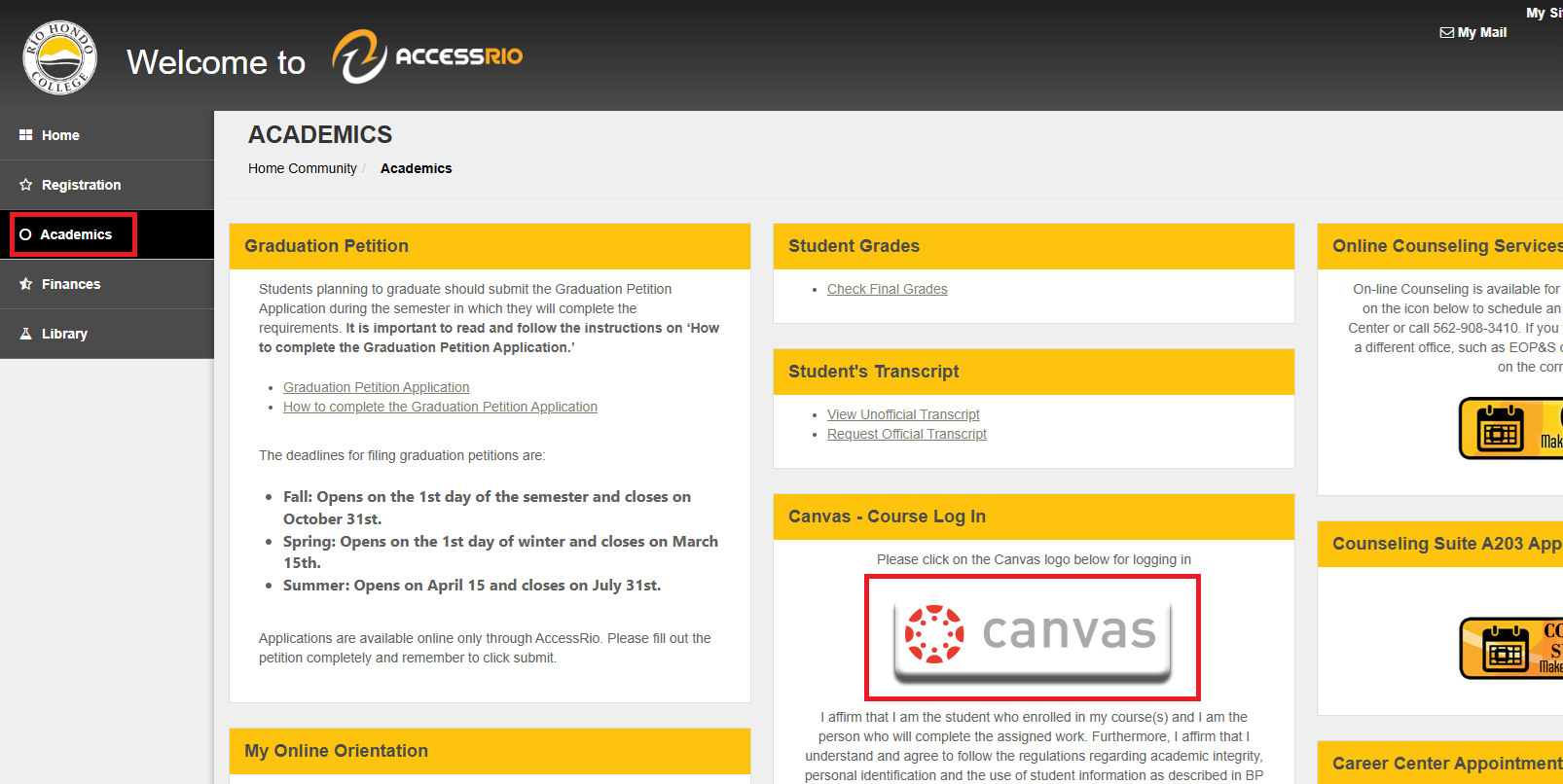
- You can also access Canvas by clicking on the link in the Quick Links dropdown menu, by clicking on the Canvas logo in the footer of the Río Hondo College website, or by clicking the banner in the “Academics” tab of your AccessRío account .