
Find step-by-step AccessRío how-to videos for applying, registering for classes, adding or dropping courses, and joining waitlists at Río Hondo College. Clear guidance to help you manage your student account with confidence.

New • Launching Monday, June 1

A Smarter, More Personal AccessRío Is Here

The next generation of AccessRío will give you a faster, smarter, and more personalized way to connect with the information and services you need every day. Built with a modern, mobile-friendly design, the new platform brings together academic resources, communication tools, campus services, and personalized content into a single, intuitive experience.
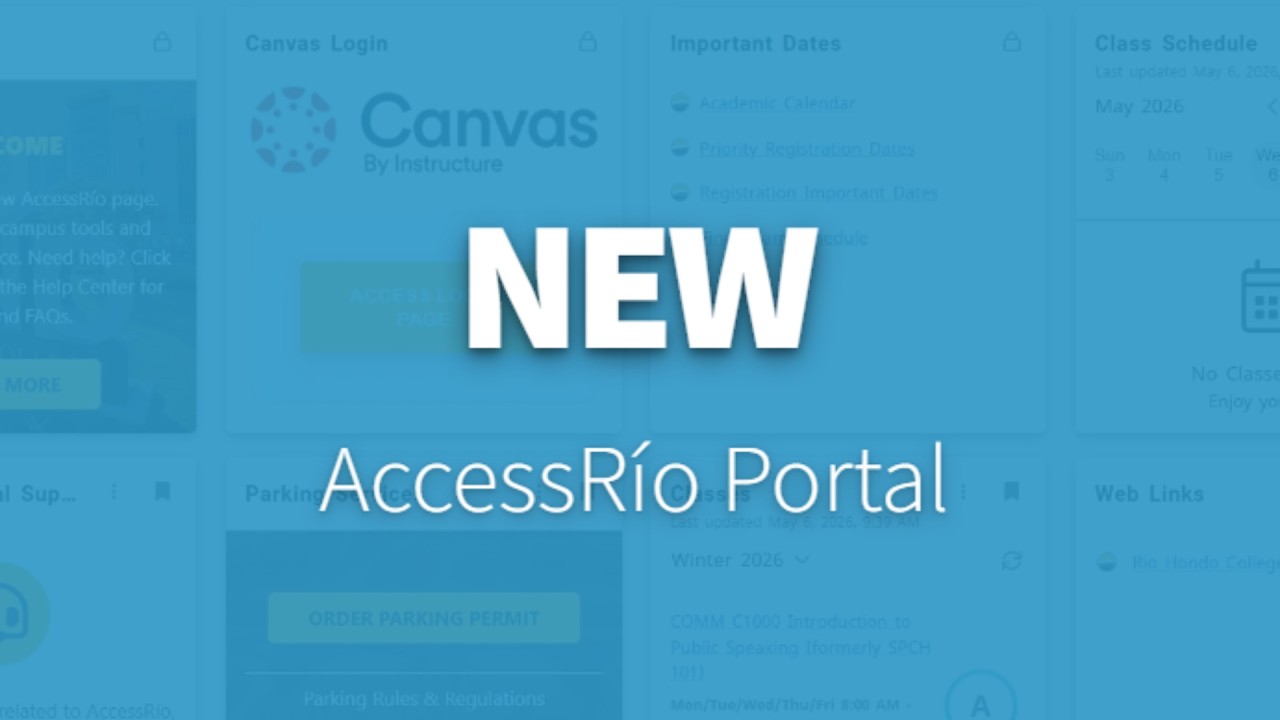
Overview of the new AccessRío Student Portal

To ensure a smooth transition, the current AccessRío will remain available through September 2026 so students and employees can explore the new platform at their own pace. The tutorials below cover the old AccessRío; after September it will be fully retired.

If the video appears blurry or low quality, please click the ⚙️ Settings (gear) icon on the YouTube player and select a higher Quality option (e.g., 1080p HD) for the best viewing experience.

AccessRío Overview
AccessRío Overview
How-To Tutorial: Apply to RHC
How-To Tutorial: check your financial aid award
How-To Tutorial: Check Your Financial Aid Award
How-To Tutorial: Add a Course
How-To Tutorial: Add/Drop a Course
How-To Tutorial: Add Codes
How-To Tutorial: Find Your Student Education Plan
How-To Tutorial: View Holds
How-To Tutorial: Complete Your Placement Tool
How-To Tutorial: Change Your Password
How-To Tutorial: Join a Waitlist
How-To Tutorial: Create a Personalized Class Schedule
How-To Tutorial: Retrieve Unofficial Transcripts
How to View Class Schedules
How-To Tutorial: View Class Schedules
How-To Tutorial: Look Up Class Schedule and Identify Zero Textbook Classes
How to View Your Student ID Number
How-To Tutorial: View Your Student ID Number
How-To Tutorial: View Waitlist and Course Registration Per Term
How to View or Update Personal Information
How-To Tutorial: View or Update Personal Information